
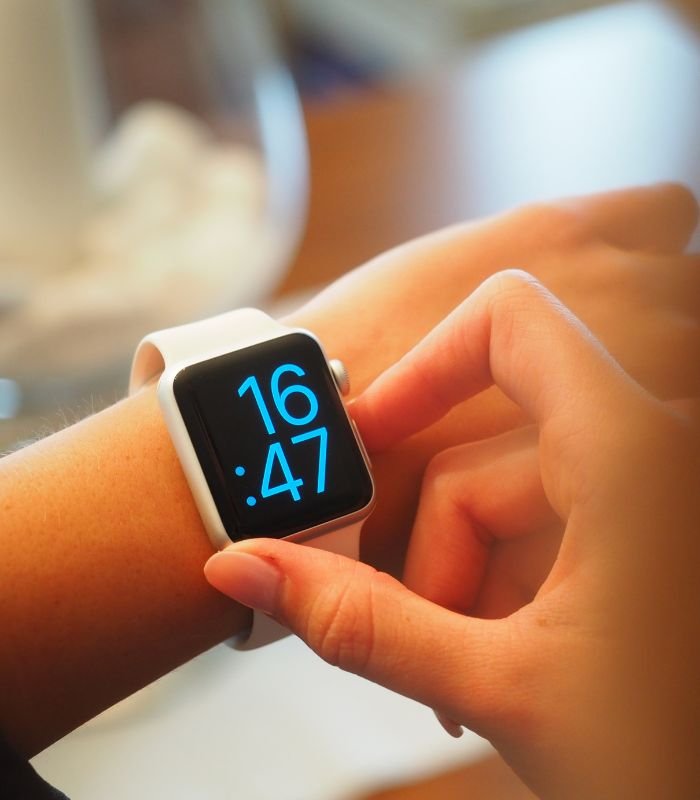
How To Change the Time on Your SmartWatch On the Wrist Watch

How To Change the Time on Your SmartWatch On the Wrist Watch

Have you ever wondered how to change time on smartwatch? Not sure if your smartwatch is working properly? Today I'm going to help you make sure you have the latest time and date on your watch by showing you a quick and easy way to change time on your new or old smartwatch.

You can change the time on a smartwatch in your wrist watch settings.

1. Go to the Settings app on your smartwatch and select "Date & time".

2. Select "Automatic date & time" if you want your smartwatch to sync its time with your smartphone, or "Manual date & time" if you want to set the date and time manually.

3. Select "Set date" if you want to change the date, or "Set time" to change the time.

Now that you've learn how to change the time on your smartwatch, you can enjoy a new watch face and customize it how you like. Good luck on your next adventure!
Share this Post:

More Blogs

Learn How to Play Games on Smartwatch: A Guide to Installation

Learn How to Play Games on Smartwatch: A Guide to Installation

Today, we will talk about How to Play Games on Smartwatch with a complete installation process.

read more
Xiaomi IMILAB W12 vs Xiaomi Mibro Lite | Which is the best?

Xiaomi IMILAB W12 vs Xiaomi Mibro Lite | Which is the best?

In this article, we will compare Xiaomi IMILAB W12 and Xiaomi Mibro Lite. Read more.

read more
Are smartwatches worth buying?

Are smartwatches worth buying?

Are smartwatches worth buying? This article will explain step by step whether smartwatches are worth buying or not.

read more
Smartwatch Notifications: The Pros and Cons of smartwatches for notifications and messages.

Smartwatch Notifications: The Pros and Cons of smartwatches for notifications and messages.

Read & learn about The Pros and Cons of smartwatches for notifications and messages.

read more
How to Sync Smartwatch to Android phone

How to Sync Smartwatch to Android phone

Smartwatches have become more and more popular with the advancement of technology, gaining the attention of many. Learn How to Sync Smartwatch to Android phone in this article.

read more

We've sent a 4-digit one time OTP in your phone# .

Don't receive code?

You may request a new code in